
Best AI Tools for 3D Designers in 2026
Discover the best AI tools for 3D designers, from concept generation to workflow optimization and rendering support.
Introduction
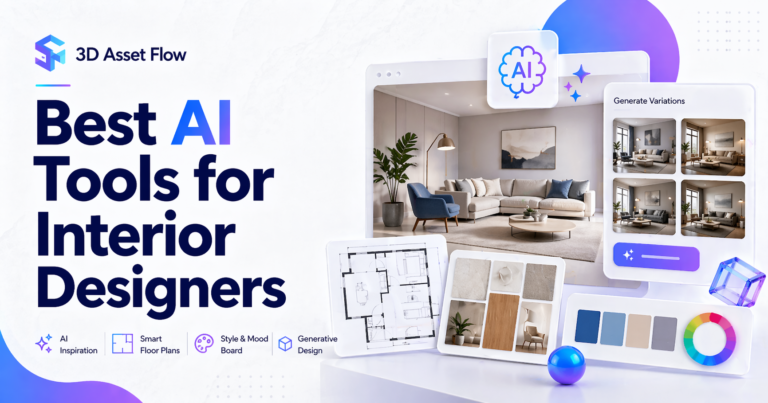
AI is rapidly transforming how 3D designers work—from concept creation to asset generation and workflow optimization.
Whether you’re working on interior scenes, product visualization, or architectural projects, AI tools can help you:
- generate ideas faster
- automate repetitive tasks
- improve productivity
- speed up project delivery
In this guide, we’ll explore the best AI tools for 3D designers and how to use them effectively.
Quick Answer
The best AI tools for 3D designers include:
- ChatGPT (workflow & automation)
- Midjourney (concept images)
- Adobe Firefly (design assets)
- Kaedim (2D to 3D conversion)
- Runway ML (AI video & visual tools)
What to Look for in AI Tools
Before choosing a tool, focus on:
- Speed → how quickly it produces results
- Integration → compatibility with your workflow
- Output quality → usable for real projects
- Learning curve → beginner vs advanced tools
Best AI Tools for 3D Designers
1. ChatGPT
Best for: Workflow automation, scripting, planning
ChatGPT helps designers:
- generate ideas
- write scripts (Blender/Python)
- plan workflows
- automate repetitive tasks
Pros:
- versatile
- easy to use
- improves productivity
Cons:
- not visual
- requires prompting skill
2. Midjourney
Best for: Concept design & moodboards
Midjourney generates high-quality images from text prompts.
Use it for:
- interior concepts
- lighting ideas
- style references
Pros:
- stunning visuals
- fast concept generation
Cons:
- not directly usable as 3D assets
3. Adobe Firefly
Best for: Texture and asset generation
Firefly helps create:
- textures
- backgrounds
- design variations
Pros:
- integrates with Adobe tools
- easy to use
4. Kaedim
Best for: Converting images to 3D models
Kaedim allows you to turn 2D concepts into basic 3D models.
Pros:
- saves modeling time
- useful for early-stage work
Cons:
- still requires refinement
5. Runway ML
Best for: AI visuals and motion
Useful for:
- presentations
- design storytelling
- animations
Best Tools by Use Case
For Concept Design
- Midjourney
- Adobe Firefly
For Productivity
- ChatGPT
For Asset Creation
- Kaedim
Limitations of AI in 3D Design
AI is powerful, but:
- it cannot replace skilled modeling
- outputs may require cleanup
- quality varies
Use AI as a support tool, not a replacement.
Recommended Workflow
- Generate concept using AI
- Build model manually or refine AI output
- Use high-quality assets
- Render and finalize
👉 For step 3, having access to ready-made models is critical.
Recommended Resources
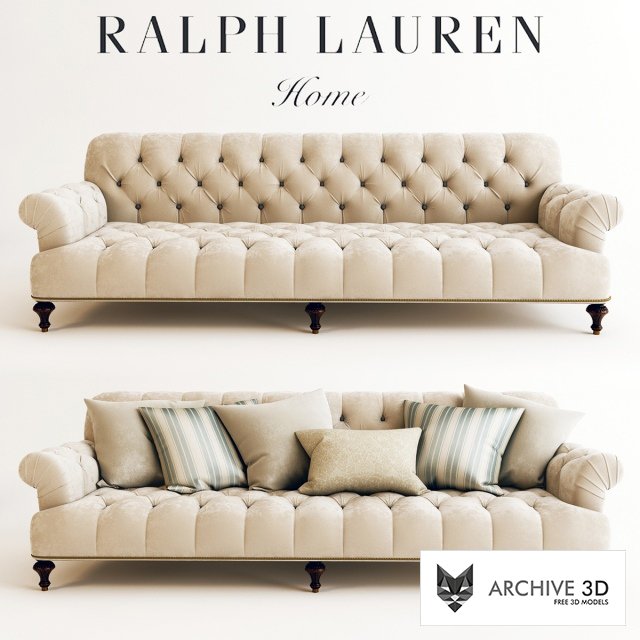
Looking for furniture models and downloadable assets for your scenes?
Explore curated collections on:
👉 https://archive3d.org
FAQ
Can AI replace 3D designers?
No. AI enhances productivity but cannot replace creative decision-making.
Which AI tool is best for beginners?
ChatGPT and Midjourney are easiest to start with.
Conclusion
AI tools are becoming essential for modern 3D workflows. By combining AI with high-quality assets and structured workflows, you can significantly improve both speed and output quality.